

Social Content
Generate, review, and manage social media posts from articles and breaking news.
Social Content
The Social Media page is your social post command centre. Every post you generate, whether from an article or from breaking news, lands here. You review, edit, approve, and track everything from one table.
The social media table
Your social media table works the same way as the content table. Each row shows the post, its platform, the source it was generated from, and its status. Filter by tab to see what needs your attention.
Creating social posts
There are three ways to generate social posts.
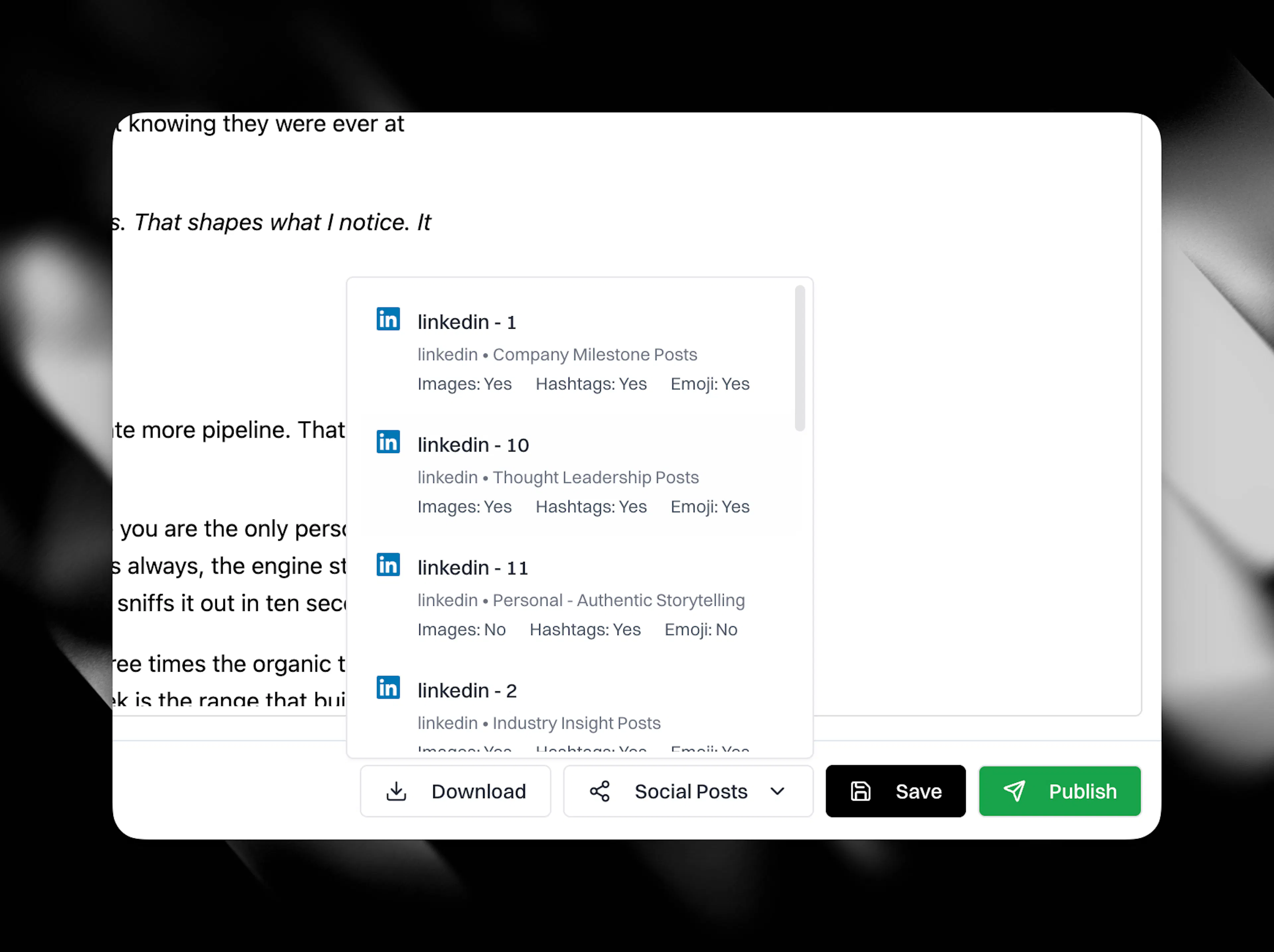
From an article. Open any article in your content table and click the Social Posts button. Choose a Social Profile, optionally add specific direction for CASi in the directions box, then click Generate. Eclipse takes the cited sources, brand voice, and argument from the article and drafts posts based on your Social Profiles. The posts carry the original evidence intact. Each post takes ten to twenty minutes and lands in your social media table. Eclipse emails you when each post is ready, and posts an alert to your configured social alerts channel under the Slack integration.
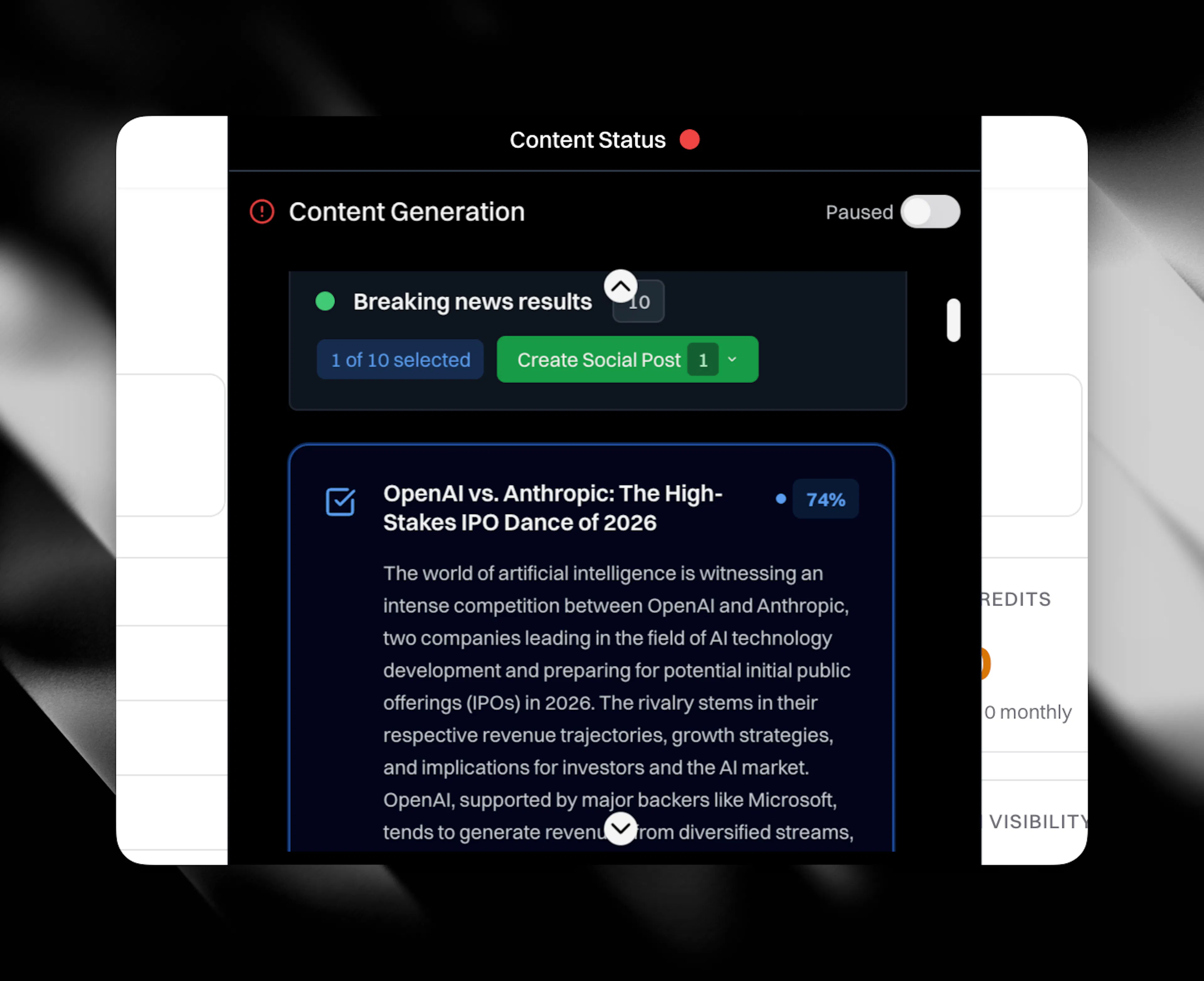
From breaking news. Hover over the notch at the top of the screen to open the dynamic island. Search for breaking news by topic. Eclipse returns ten results, each scored against your search query. Select one or more news articles (up to all ten), then generate social posts grounded in that news and your brand context. The posts land in your social media table ready for review.
From Cortex Canvas. When you have research assembled on a canvas, click Create social post on the floating toolbar. CASi reads the cards you tick and drafts a single post or a connected series, grounded in the same nodes that feed your articles. See Create from Canvas for the full panel walkthrough.
Platforms
Eclipse generates posts natively for six platforms:
-
LinkedIn
-
X
-
Instagram
-
Facebook
-
Threads
-
Bluesky
Each post is formatted, structured, and sized for its destination. A LinkedIn post looks different from an X post. The claim stays the same. The format adapts.
Reviewing and editing
Click any post in the social media table to review it. Edit inline if you need to. Nothing posts without your approval.
Voice rules
Your Social Profiles control the voice, platform, and post type for each generated post. Banned patterns and tone rules carry across from your brand context, so posts arrive clean without manual correction.
Distribution
Route posts to LinkedIn, X, Instagram, Threads, and Bluesky through Buffer, Hootsuite, or natively. The post ships formatted for its destination with its source trail attached.