

Social Profiles
Configure how Eclipse generates social posts for each platform.
Social Profiles
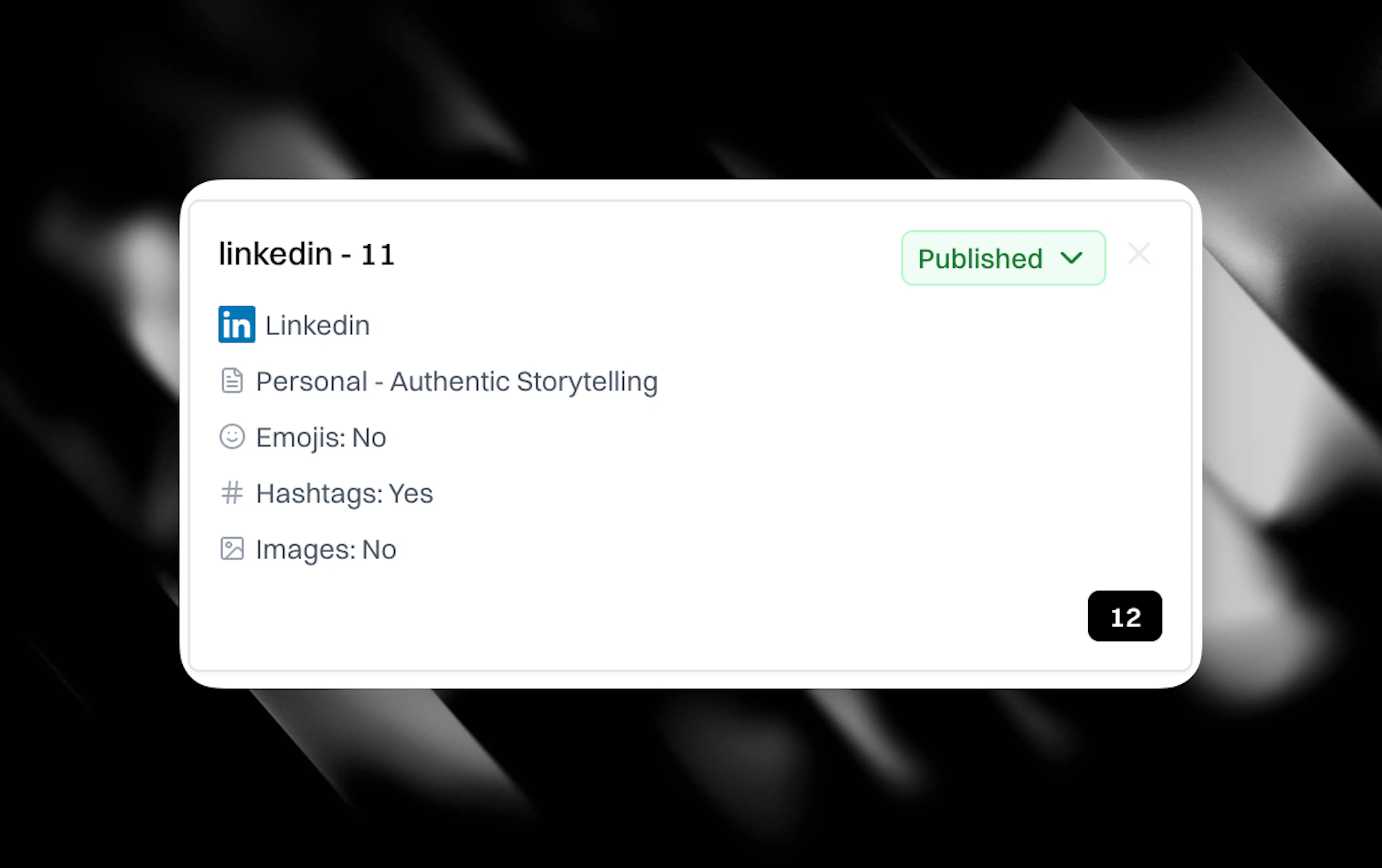
Social Profiles control how CASi generates social media posts. Each profile defines a platform, a post type, and a set of preferences that shape the output. Think of them like Content Profiles, but for social.
What each profile contains
-
Profile name for your own reference.
-
Platform selecting which social network this profile targets (LinkedIn, X, Instagram, Facebook, Threads, or Bluesky).
-
Post type defining the style of post: authority posts that carry your published argument, first-person posts that sound like you wrote them, live commentary on breaking news, or other formats matched to the platform.
-
Emoji toggle to include or exclude emoji from generated posts.
-
Hashtags toggle to include or exclude hashtags.
-
Include image toggle to attach a visual to the post.
Creating a profile
-
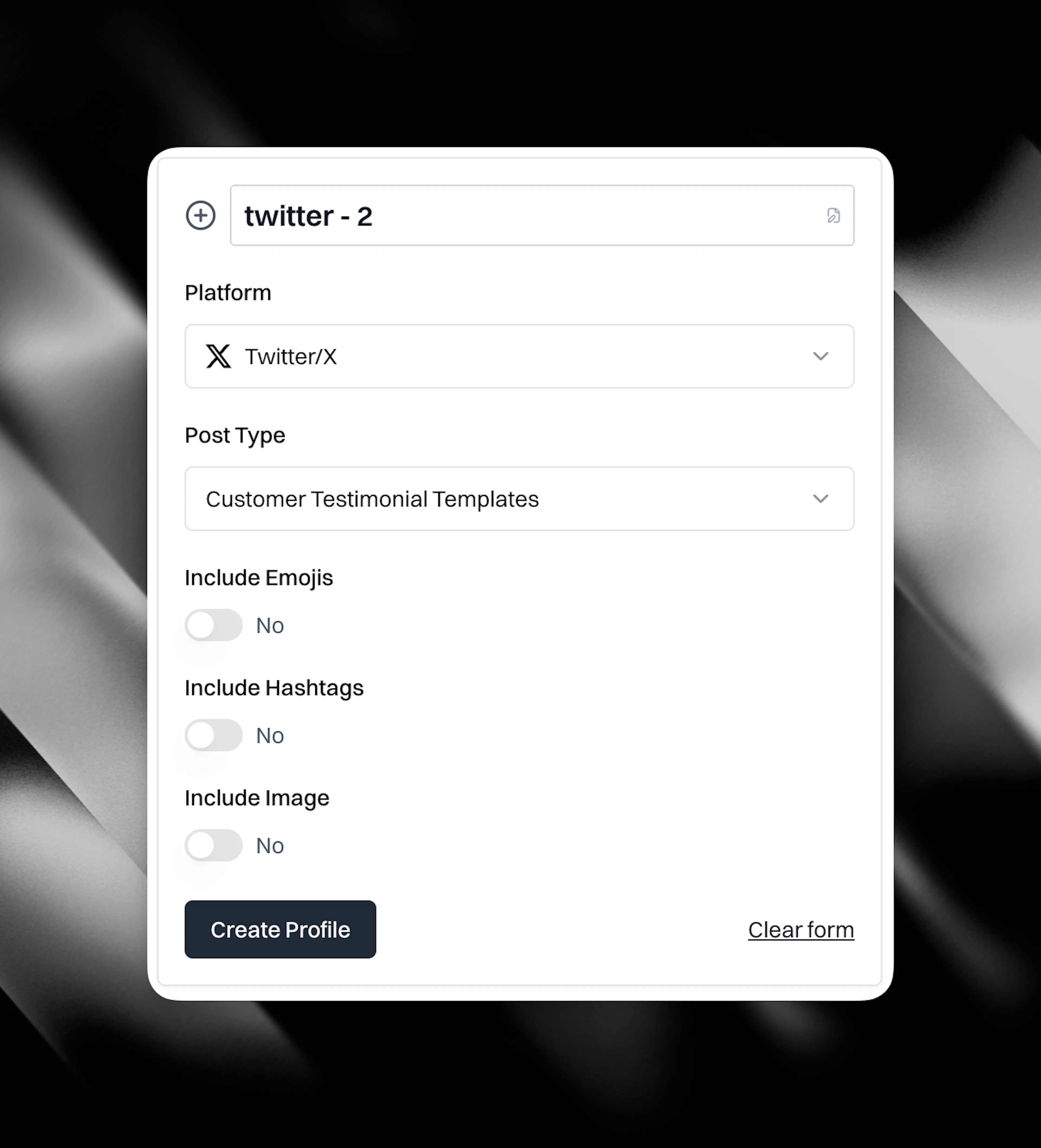
Go to Social Profiles under Social Media in the left sidebar.
-
Click Create Profile.
-
Choose a platform and post type.
-
Set your emoji, hashtag, and image preferences.
-
Save the profile.
You can create multiple profiles per platform. For example, one LinkedIn profile for authority posts and another for first-person founder posts. Each profile produces a different style of output from the same source material.
How profiles are used
When you generate social posts from an article or from breaking news, Eclipse uses your Social Profiles to determine what gets created. If you have profiles for LinkedIn, X, and Instagram, you'll get posts shaped for each of those platforms in the styles you've configured.
The profile rules combine with your brand context. CASi strips corporate language, applies your tone, and respects your banned phrases across every post it generates.
Managing profiles
You can delete profiles you no longer need as long as they have never produced any drafts. Social profiles act as a system of truth for drafts they create. If you set a profile to 'Draft' status it will no longer be available to choose when creating a social draft from either the breaking news dynamic island, Cortex canvas or from inside articles.
You can always change the profile status to 'Published' if you wish to use it again in the future.
Agencies managing multiple clients will see separate Social Profiles per client workspace, keeping brand voices isolated across accounts.