

Thought Leadership & Medium
Create first-person thought leadership articles with the Medium article type and publish them through the recommended workflow.
The Medium article type is Eclipse's workflow for first-person thought leadership content. It is built for articles that should sound like they come from a real operator, founder, or expert rather than a standard SEO article.
What this article type is for
Use the Medium article type when the goal is a first-person or opinion-led article, such as:
-
founder lessons
-
contrarian insights
-
behind-the-decision pieces
-
operator frameworks
-
reflective builder posts
These articles are driven by a personal editorial angle, not by the same structure as a standard article.
How Medium-style articles differ from standard articles
Standard articles are driven by product context, ICP, target audience, keywords, and E-E-A-T scoring.
Medium-style articles work differently. They are driven by an editorial brief and, if you provide it, your CV or professional background. They do not use the same E-E-A-T score or per-article justification model that standard articles use.
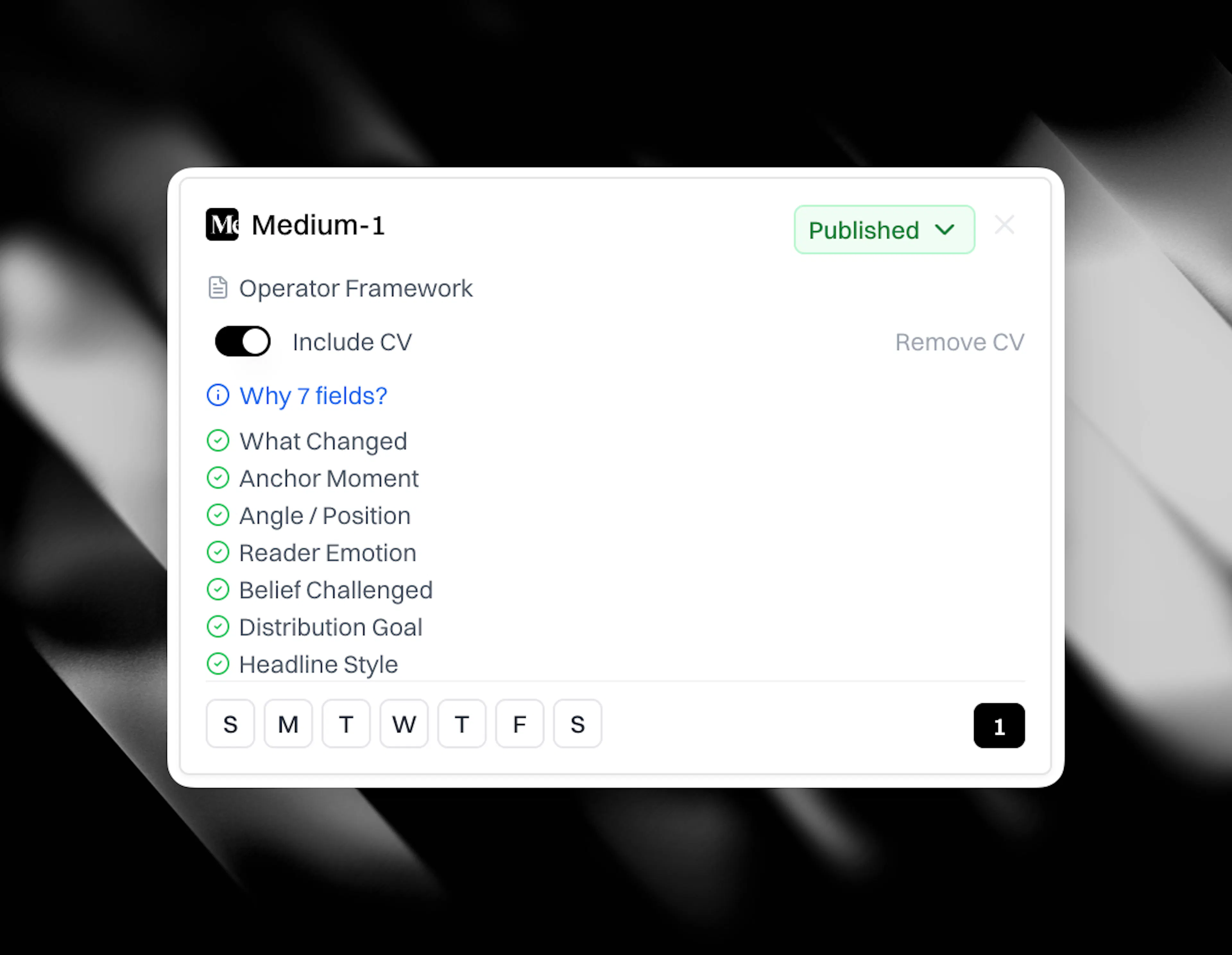
The seven editorial questions
When you create a Medium-style article, the key inputs are the editorial questions behind the piece:
-
what changed
-
the anchor moment
-
the angle or position
-
the reader emotion
-
the belief being challenged
-
the distribution goal
-
the headline style
These questions shape the article's point of view, not just its topic.
Using your CV or professional context
You can attach your CV or resume to a Medium-style profile.
CASi then uses your real background, experience, and history to ground the article in facts about you rather than guesswork. That makes first-person content more credible and more specific.
Creating a Medium-style article
-
Go to Content Profiles.
-
Create or edit a profile with the Medium article type.
-
Fill in the editorial brief and answer the seven editorial questions.
-
Attach your CV if the article should draw on your lived experience or career history.
-
Generate the article and review it in the editor.
Reviewing Medium-style drafts
Medium-style drafts still go through review before publishing, but they do not use the same E-E-A-T score or Justifications panel as standard articles.
Review them for:
-
whether the point of view is clear
-
whether the first-person voice sounds right
-
whether the story, argument, or lesson lands cleanly
-
whether any personal claims need tightening before publish
Publishing workflow
There is no direct Medium publishing integration in Eclipse.
The recommended workflow is:
-
Review the article in Eclipse.
-
Publish it to your own site through your connected CMS, or send it to Google Docs for review.
-
Share or adapt it for Medium separately so you can set the correct canonical declaration there.
That keeps your site as the primary published source while still letting you use Medium for distribution.
When to use this workflow
Use standard articles when you are answering search demand, filling competitor gaps, or publishing evidence-led educational content.
Use the Medium article type when the value comes from perspective, experience, and a personal editorial point of view.