

Navigation Search
Find pages, run common actions, and start article generation from the sidebar search.
Navigation Search
Navigation Search is the modal search opened from the left sidebar. It helps you move around Eclipse without drilling through every menu, and it gives you a fast route into a few common actions.
Opening search
Click the search box in the expanded left sidebar, or use a keyboard shortcut:
-
Cmd+K on macOS.
-
Ctrl+K on Windows and Linux.
Press Esc to close the modal, or click the visible Esc close button.
What you can search
Navigation Search includes pages from the sidebar and nested pages inside each section. Nested results appear in a parent and child format, so you can tell where the page sits before you open it.
It also includes common actions:
-
Settings opens your account and brand settings.
-
Log out signs you out of Eclipse.
-
Create Article starts article generation from inside the modal.
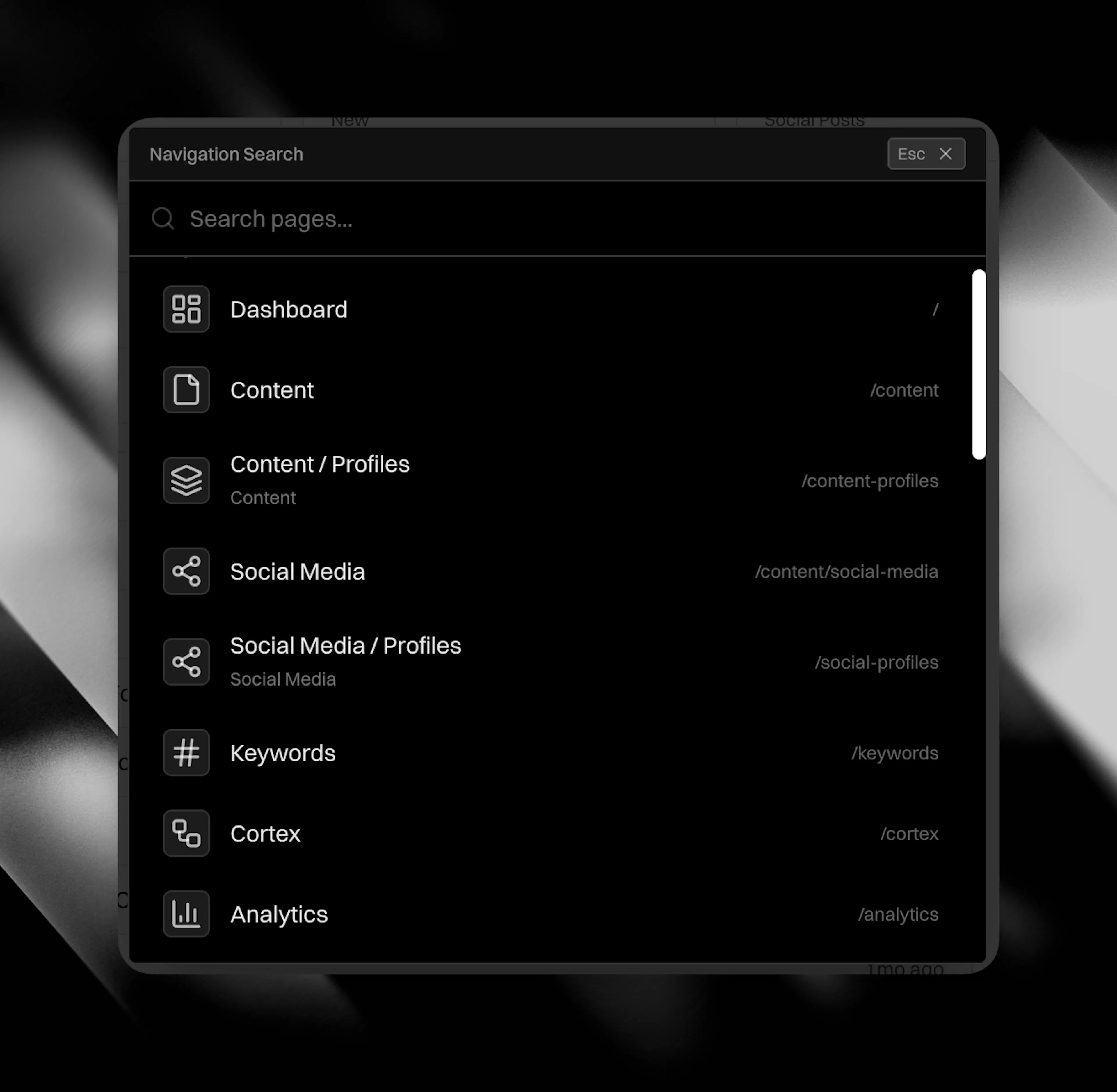
Search results respect your role and the active client. If a page is restricted, it will not appear in your results. Client-specific pages route to the active client automatically.
Creating an article from search
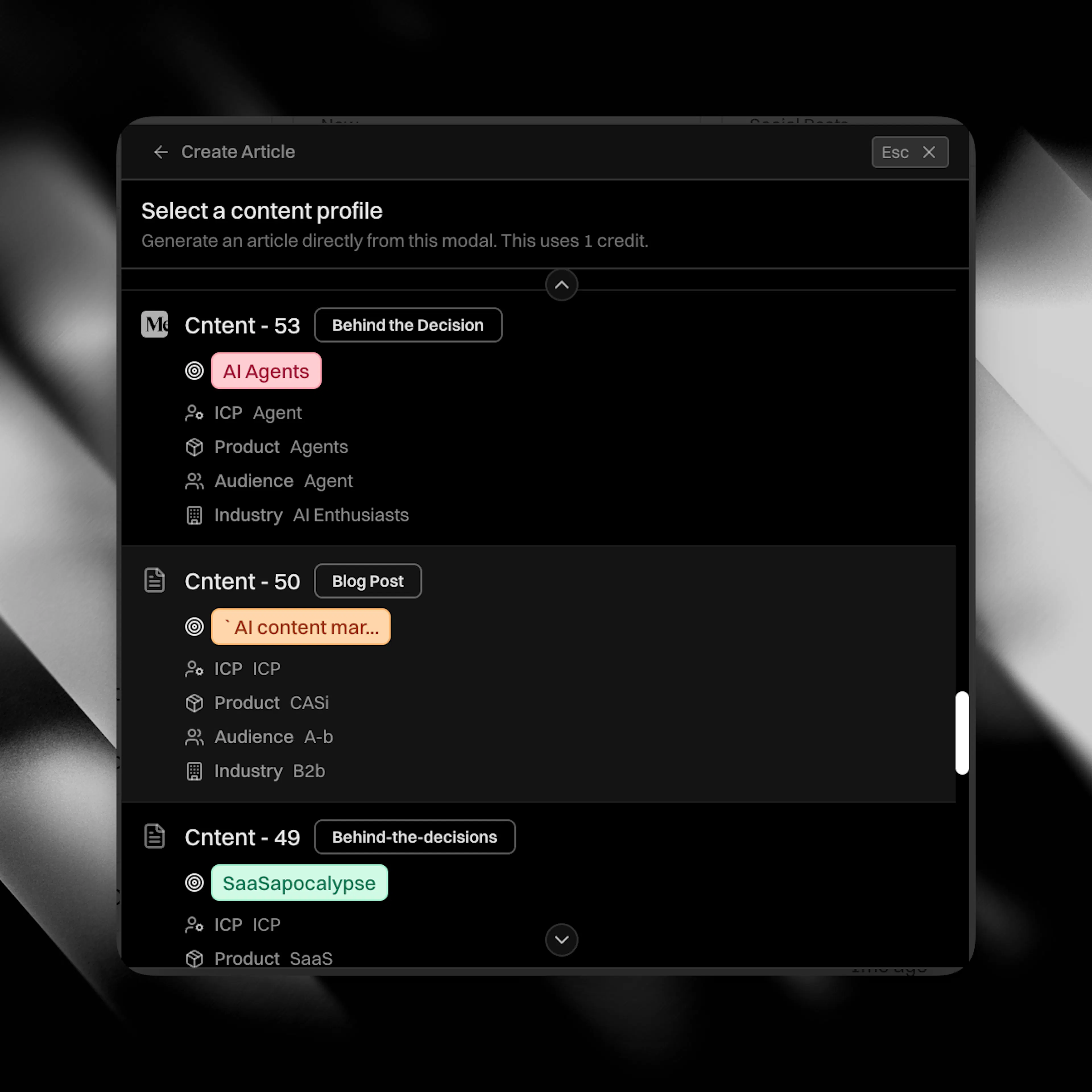
Use Create Article when you already know which Content Profile should write the next piece.
-
Open Navigation Search.
-
Search for Create Article.
-
Press Enter or click the result.
-
Choose a published Content Profile.
-
Expand the profile if you want to review it.
-
Click Generate Article.
Eclipse spends one article generation credit, starts the generation job, and creates the article for the active client. The finished draft lands in your content table for review. See Writing Content for editing and publishing, and Credits & AI Balance for credit usage.
Keyboard controls
-
Cmd+K or Ctrl+K opens and closes Navigation Search.
-
Esc closes the modal while you are searching.
-
Arrow Down and Arrow Up move through highlighted results.
-
Enter selects the highlighted result.
-
In the Create Article picker, Arrow Down and Arrow Up move between profile buttons.